 TeamsMFA
Owner and viewer roles
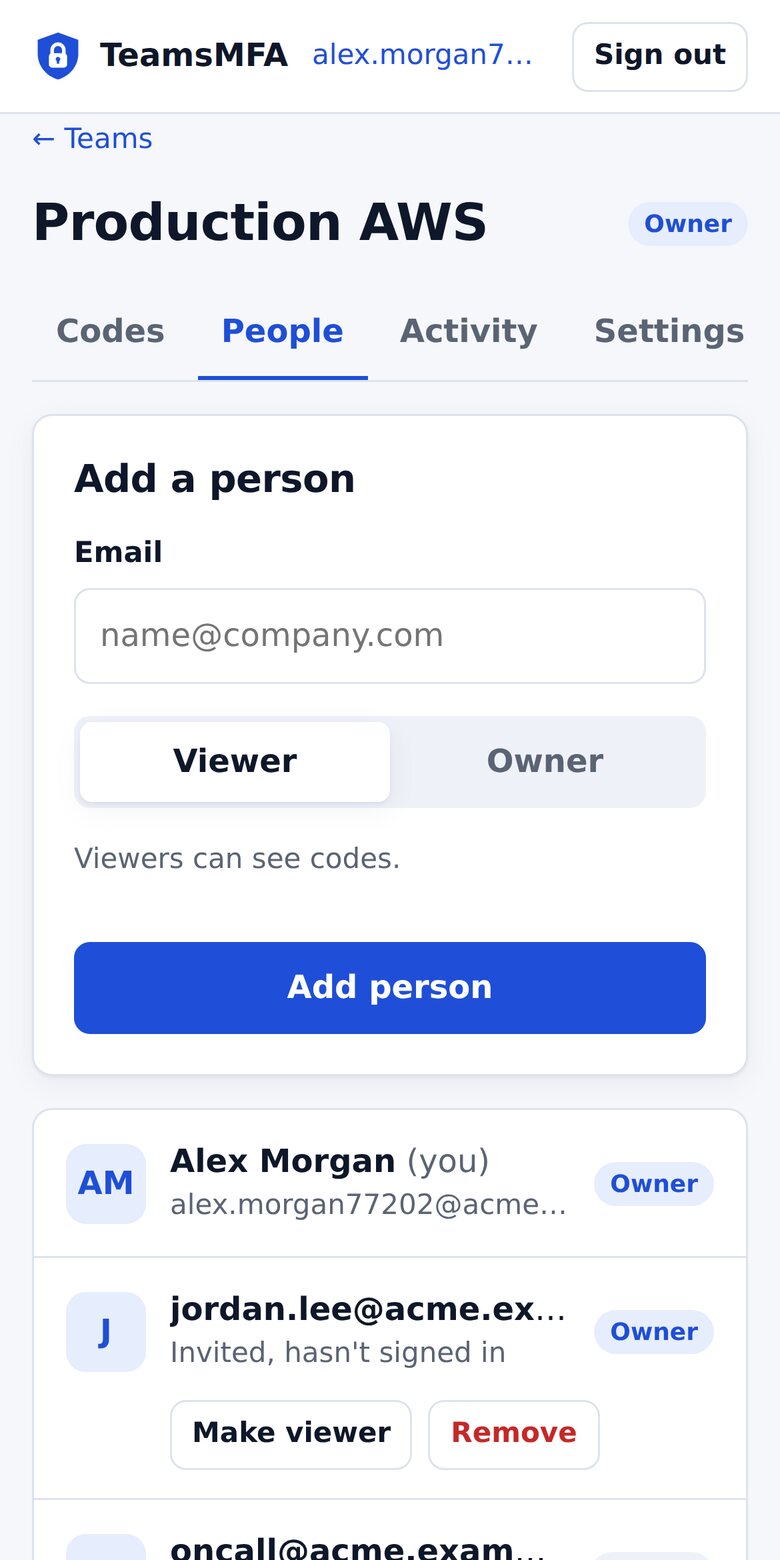
Viewers see codes. Owners add codes and manage people, including other owners.
A shared authenticator for the accounts that only allow one login: AWS root, your domain registrar, vendor admin consoles, client ad accounts. Teammates see the current code, the secret never leaves the vault, and removing someone ends their access.
Free for up to 10 people per team. No credit card.
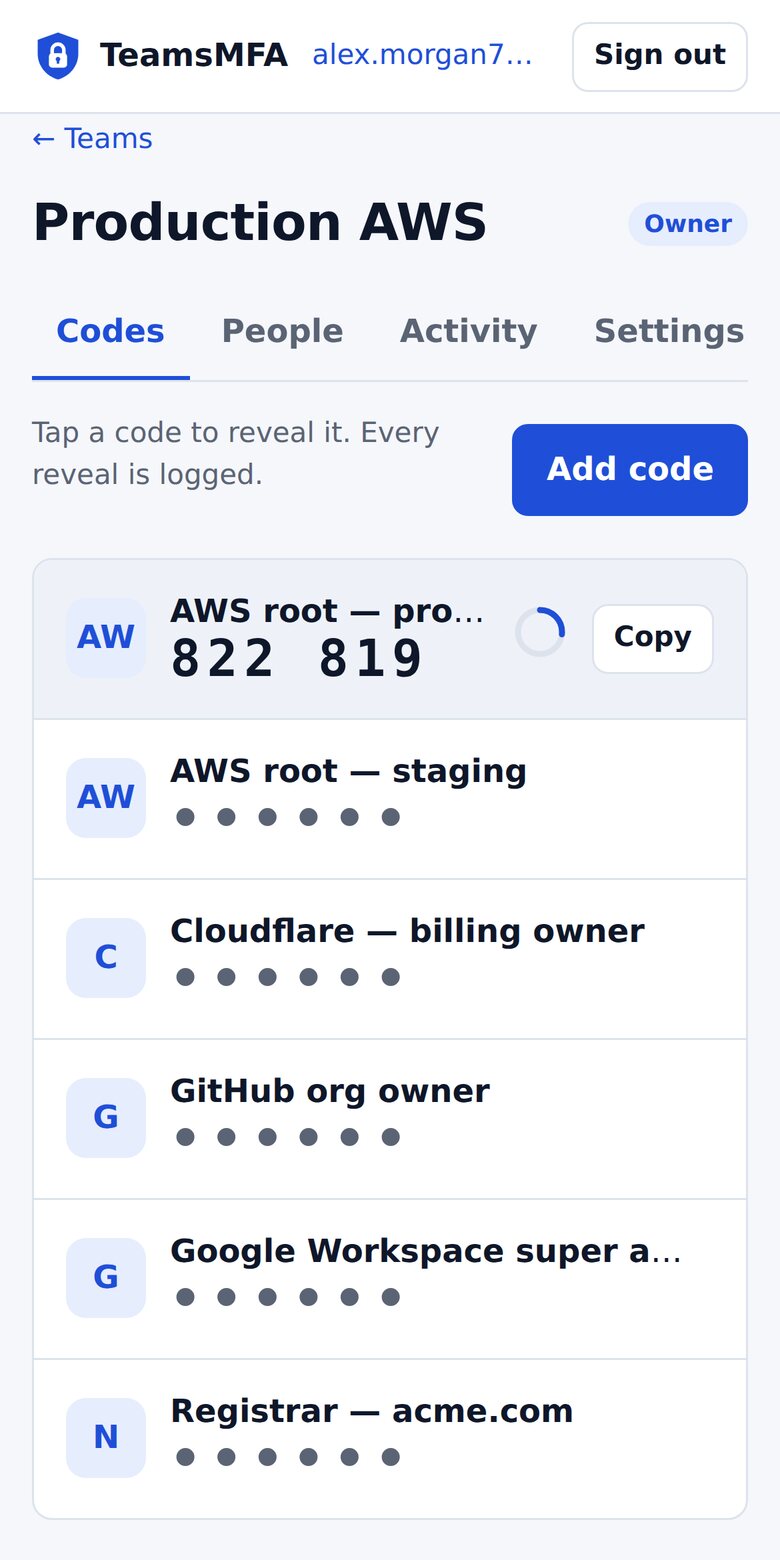
Codes belong to the team, not a device. Nobody is a single point of failure.
Remove a former employee and their access ends immediately. Their next request is refused.
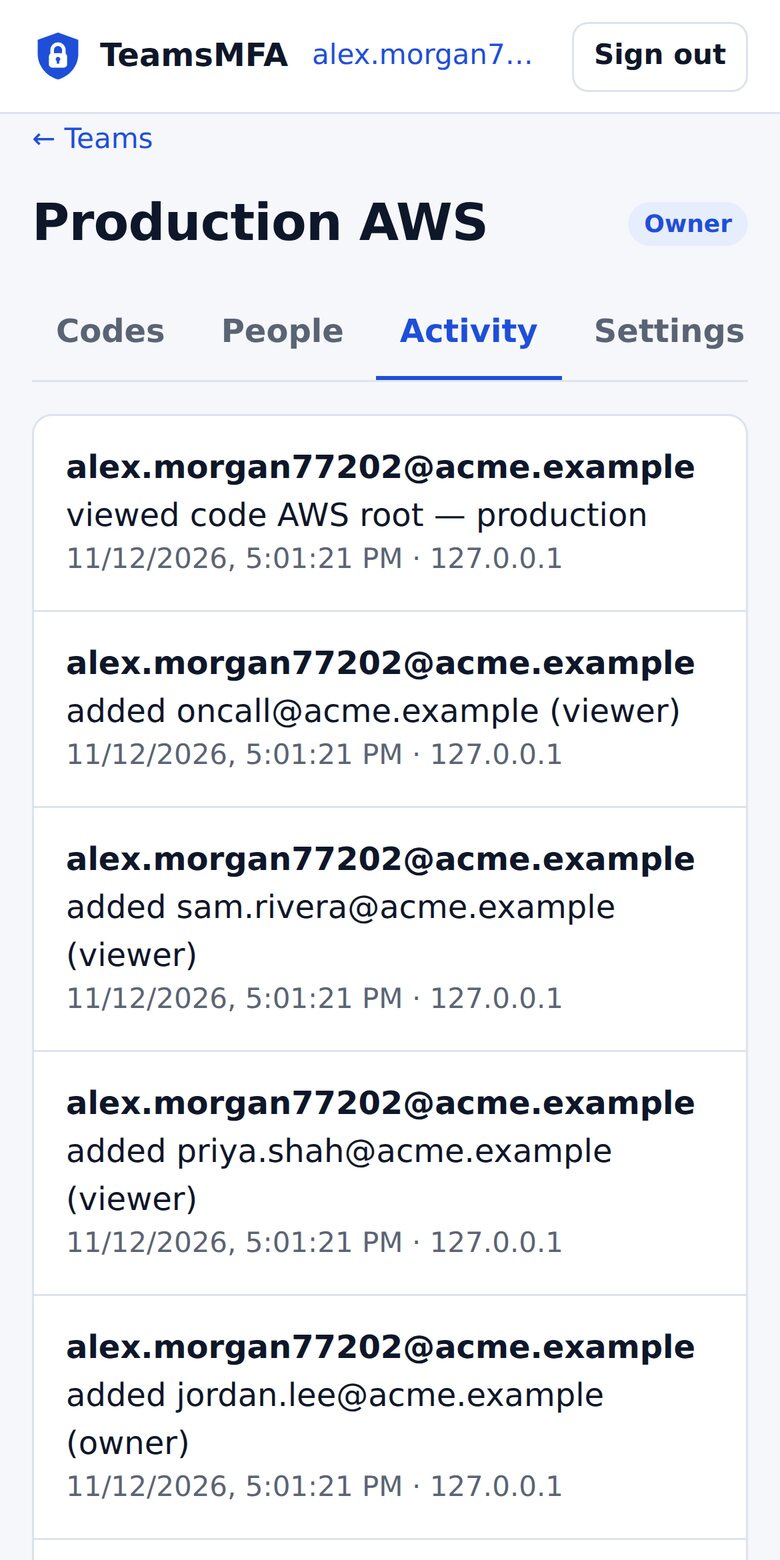
Every code reveal, invite, and role change is logged with who, when, and where.
Works with any site that supports an authenticator app, including
AWS root, registrar, DNS, billing, and super-admin accounts — shared safely.
Viewers see codes. Owners add codes and manage people, including other owners.
Seeds are AES-256 encrypted per team and never sent to any browser. Members only ever see the current code.
Scan the setup QR with your camera, upload a screenshot, or paste the key. Works in any browser.
See exactly who revealed which code and when. Reveals are logged, not just logins.
Your own subdomain with a separate database and encryption key, plus an email-domain allowlist.
Sign in with a one-time email link, plus an optional passkey. Nothing to leak, reset, or rotate.
Scan the MFA QR code for your AWS root and admin accounts into a team vault.
Invite teammates by email as owners or viewers. Remove them in one click.
Tap to reveal the current code from any device. Every reveal is audited.
Built on Cloudflare's global network. No servers to patch.
Start free. Move to a dedicated tenant when you need isolation.
For small teams getting started.
$0
For organizations that need isolation.
Contact us
When a service lets every person have their own login, use that. TeamsMFA is for accounts where that isn't possible: the AWS root user, a domain registrar, a vendor's first admin account, or a client account that allows only one login. Those codes usually end up on one person's phone or in a spreadsheet. TeamsMFA gives them an owner, a list of who can use them, and a record of every use.
Password managers can store a 2FA secret, but anyone who can see that secret can copy it into their own authenticator app, and removing them from the vault doesn't take that copy back. In TeamsMFA, the secret never reaches anyone's browser. Members only ever see the current six-digit code, so removing someone really does end their access.
An owner removes them, and their access ends immediately. Any request they make after that is refused. They never had the secret, so there's nothing to rotate. The audit log shows every code they revealed while they were a member.
Secrets are encrypted with a separate key for each team and are decrypted only inside our server code, for a moment, to calculate the current code. No screen or API returns a secret, to you or to us. Security & Trust explains exactly how it works.
Any site that lets you set up 2FA with an authenticator app such as Google Authenticator or Authy. That covers AWS, Google Workspace, Microsoft 365, GitHub, Cloudflare, Stripe, Shopify, Meta and most registrars. Scan the setup QR code with your phone's camera, upload a screenshot of it, or paste the setup key.
Not yet. TeamsMFA handles authenticator-app (TOTP) codes today. Shared SMS and email codes are planned for paid plans.
Yes. The free plan includes up to 2 teams you create, with up to 10 people in each, and no credit card. Organizations that need their own subdomain, database and encryption key can ask about a dedicated tenant.
Give your team controlled, audited access to the codes that matter.
Get started free